
Remote into your work computer from your MAC
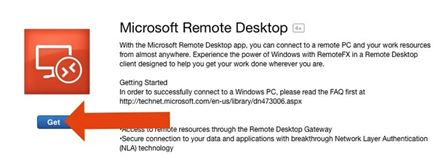
If you do not have “Microsoft Remote Desktop” you can download it the from the Mac AppStore
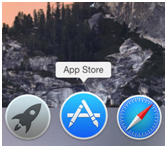
Use the search bar at the top right of the screen to search for “Microsoft Remote Desktop.” The first search result should be what you’re looking for.
Open the Microsoft Remote Desktop Application
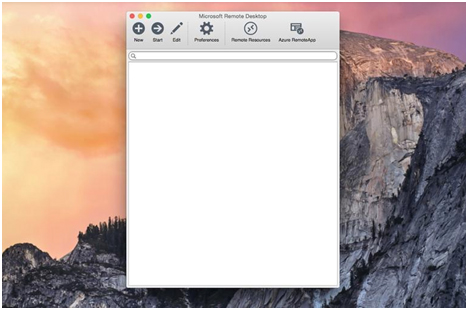
Click the “New” button at the top left of the Microsoft Remote Desktop screen.

Connection name: This is up to you
PC Name: This will be your first initial, then last name-w10.tobaccofreekids.org
Example: JDOE-W10.tobaccofreekids.org
Gateway: tsgateway.tobaccofreekids.org
User name: CFTFK\username
Close that screen
Double click the new connection you just made